-
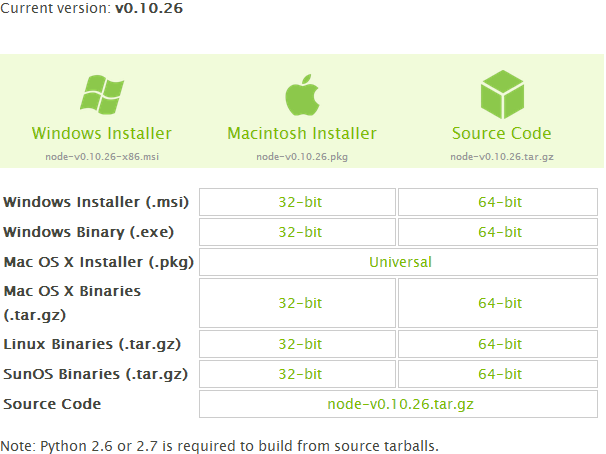
Open http://nodejs.org/, then click on Download (http://nodejs.org/download/), so you can view the following details on the screen.
-
Now, based on your Windows 7 system type (meaning whether it is 32-bit or 64-bit), download the appropriate Windows Installer. If you don't know how to determine if you are using 32-bit or 64-bit Windows, please Click Here.
-
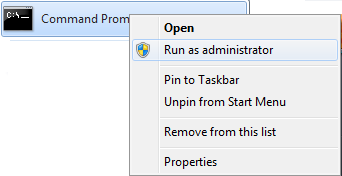
Open Command Prompt with administrator privileges; see the following image for more information. Right-click on Command Prompt and select 'Run as administrator'.
-
Now run the following command.
msiexec /i node-v0.10.26-x64.msi
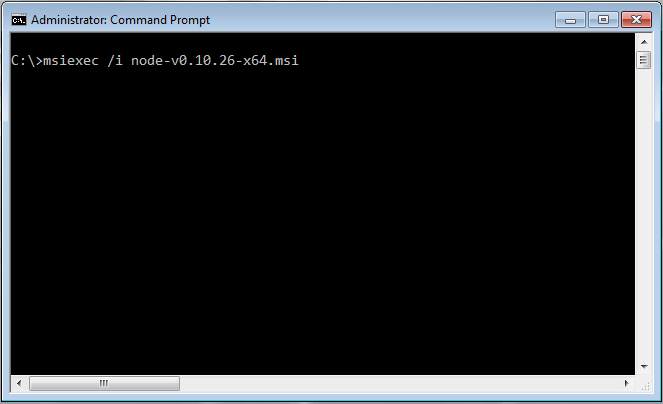
- After hitting the Enter key, you will see the Welcome Setup Wizard screen.
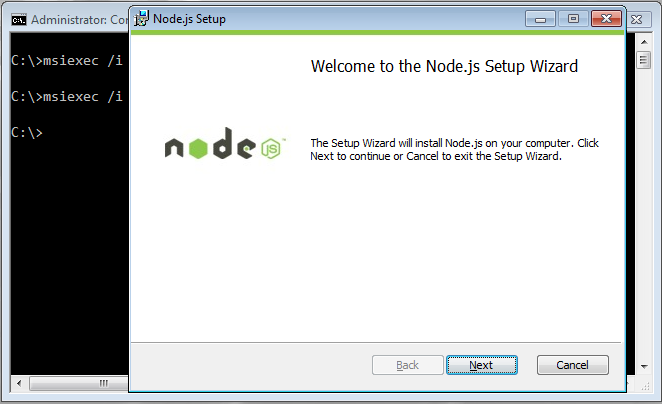
- Now click on the “Next” button,
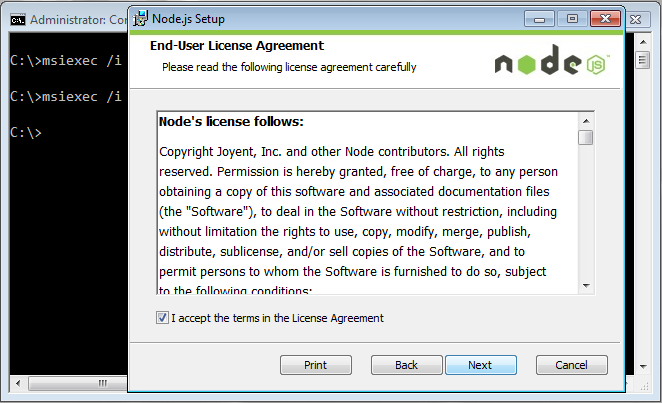
- Click Next to accept the license agreement.
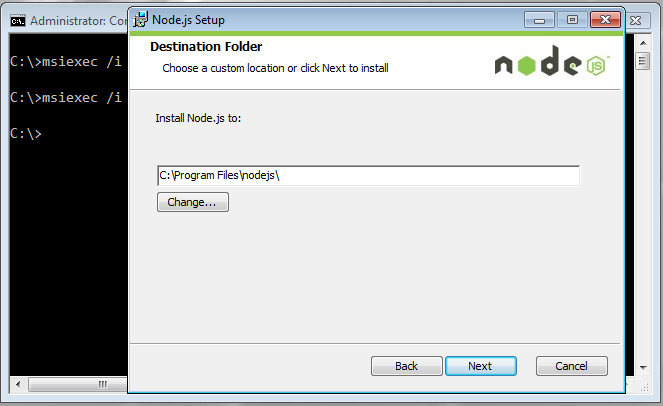
- Leave the Destination Folder as the default (C:\Program Files\nodejs) and click the Next button to continue.
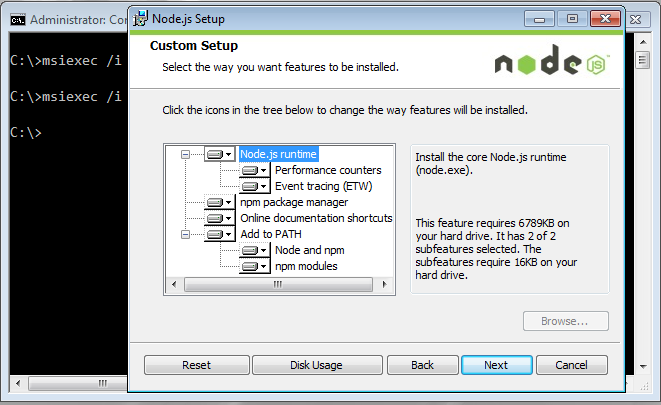
- On the "Select the way you want features to be installed." screen, just click the Next button to continue.
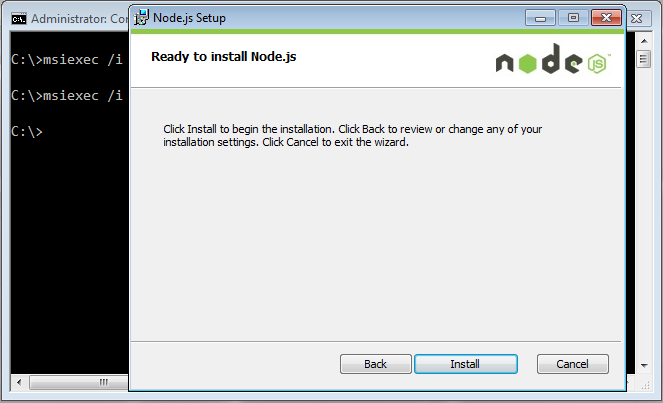
- Now, click on the Install button so the installation process begins, as shown in the next image.
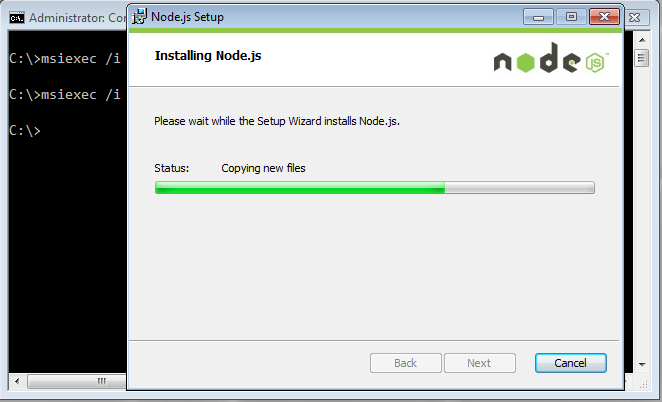
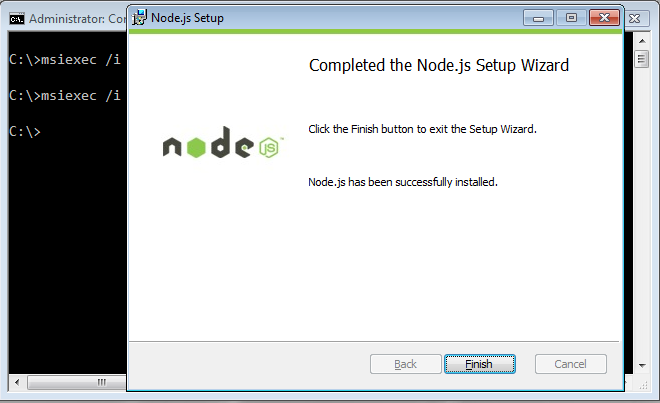
- After the installation finishes, you will see the 'Installation Wizard Completed' window. Click the Finish button.
- Now we need to test whether we installed Node.js properly or not. So, open the command prompt.
-
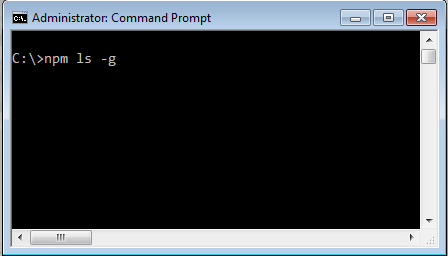
Type the following command and press Enter.
npm ls -g
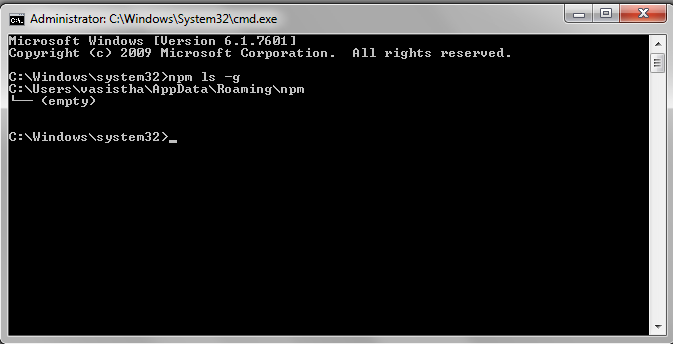
- You should see that you have an empty npm list with no modules installed globally, as shown in the image below.
You're now done.
- Let's also validate with a sample application using
Using a web server
-
I copied the following code from the nodejs.org site and saved it as example.js.
var http = require('http');<br> http.createServer(function (req, res) {<br> res.writeHead(200, {'Content-Type': 'text/plain'});<br> res.end('Hello World\n');<br> }).listen(1337, '127.0.0.1');<br> console.log('Server running at <a href="https://web.archive.org/web/20221024040305/http://127.0.0.1:1337/'">http://127.0.0.1:1337/'</a>); -
Now run this program from the command line,
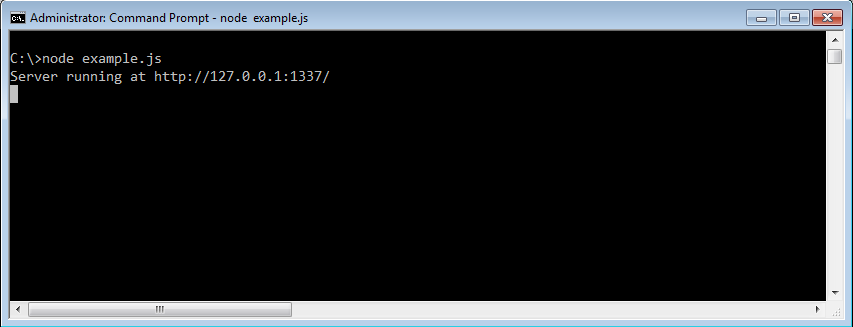
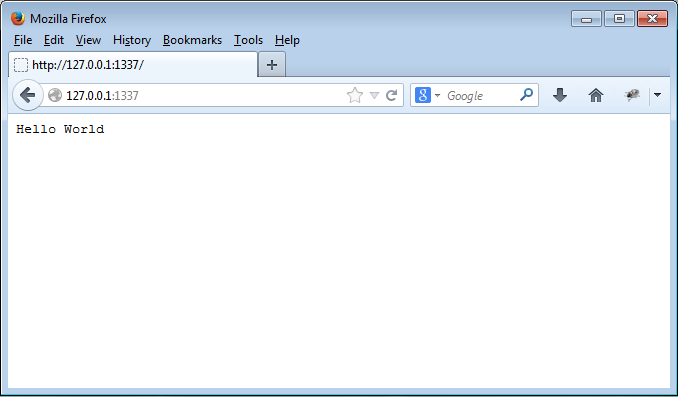
- Now you can see the console log message 'Server running at http://127.0.0.1:1337/. Copy the URL http://127.0.0.1:1337/ and paste it into your browser's address bar. You should see the message 'Hello World' displayed in the browser.
TCP server